Affiliate brand bidding: how to detect it and stop it
Brand bidding by affiliates is one of the most expensive problems in affiliate marketing. The affiliate runs an ad on your brand name, the customer clicks it, and you pay commission on a sale that was already coming to you.
Last reviewed November 2026
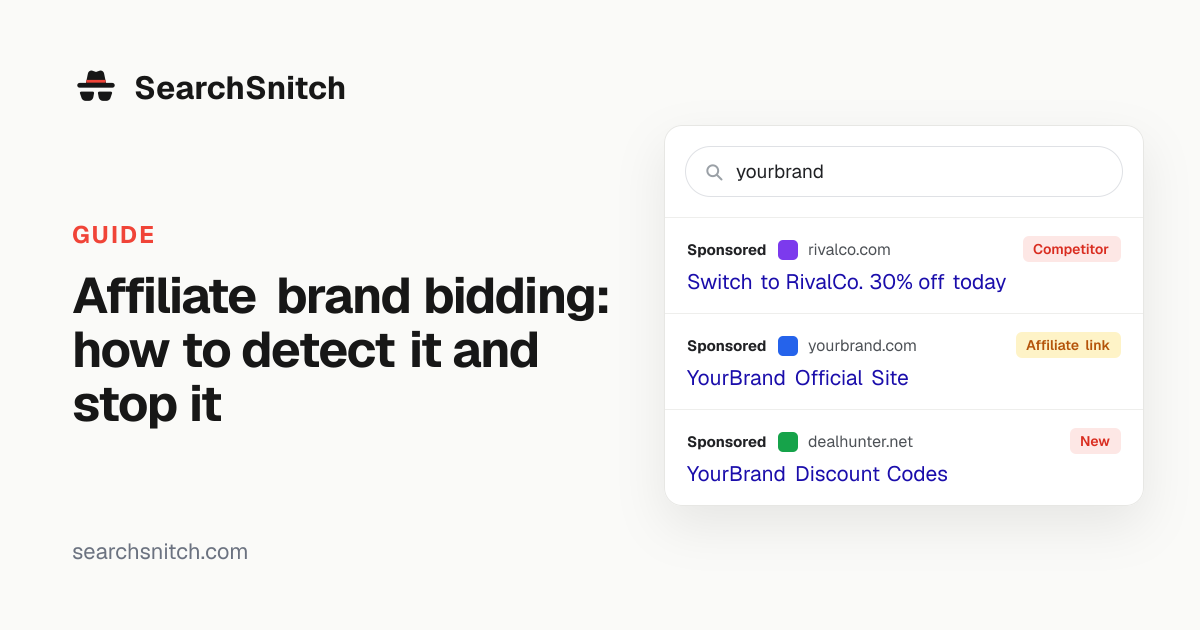
Why it is hard to spot
Affiliate ads often look exactly like yours. They can show your own domain and point to your site, with an affiliate ID tucked into the link. In the search results, they look like your official ad. Some affiliates add their ID only after the click, through a redirect or tracking template, so it never appears in the results at all.
Signs to look for
- An ad for your brand that you did not create, even if it shows your domain.
- Landing links containing affiliate parameters such as ?ref=, ?via=, ?aff=, irclickid or network domains.
- A spike in affiliate sales from branded search traffic.
- Affiliates with very high conversion rates and little visible content.
How monitoring helps
SearchSnitch records the exact landing link of every ad it sees on your brand searches. When the link carries an affiliate or referral ID, it is flagged as a possible affiliate, even when the ad shows your own domain. You get the ad text, keyword, country and time as evidence to take to the affiliate or network.
Ads that add an ID only after the click cannot be caught from the results, and we say so plainly.
What to do when you find one
- Check your programme terms prohibit brand bidding (see our guide to writing a brand bidding policy).
- Send the evidence to the affiliate and ask them to add your brand as a negative keyword.
- Reverse commissions earned through brand bidding, if your terms allow.
- Remove repeat offenders from the programme.
See who’s advertising on your brand
Run a free scan of your brand searches. No account needed.